1. Introduction
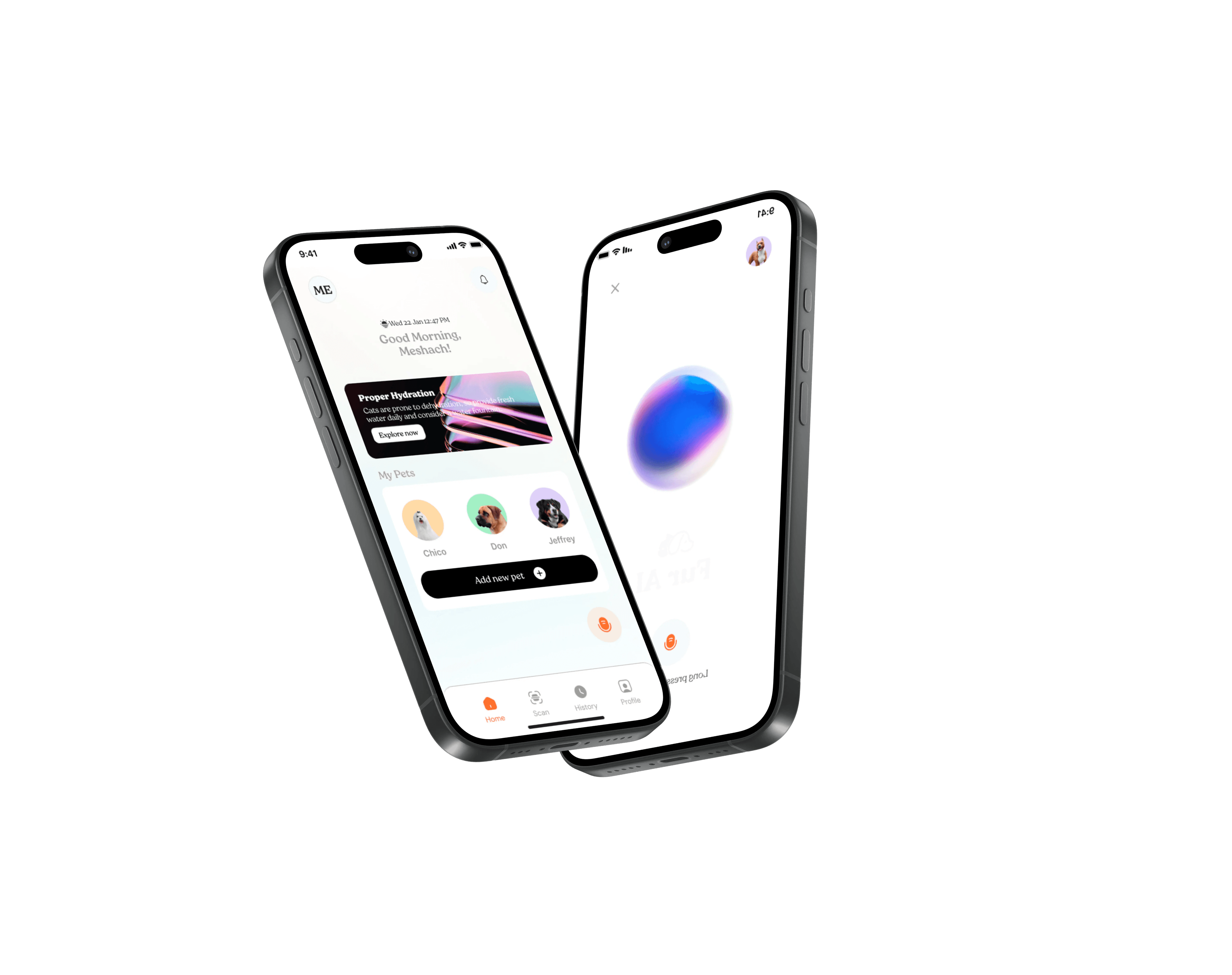
Purpose: This guide explains how to find help, self-serve fixes, and contact the Fuur AI team. Our support tone is friendly, fast, and pet-loving.
| Supported platforms | iOS & Android with in-app purchases (Free trial, Monthly, Annual) |
| Languages | English (more coming soon) |
| Business hours | Mon-Fri, 9:00-18:00 WAT (Nigeria) |
| Emergency outages | Status updates via in-app banner & X/Twitter @FuurAIApp |
2. Support Channels
In-App Help Center
Tap Profile → Help to access FAQs and guides.
Live Chat / Bot
Available in-app during business hours.
support@fuur.ai
Chatbot
Available 24/7 on this website for instant help.
Community
Optional forum for tips and peer help (coming soon).
Social
X/Twitter & Instagram @FuurAIApp (non-sensitive queries only).
3. FAQs & Knowledge Base
First-time users get a 3-day free trial on the monthly plan with full access to all features. You add a payment method to start, and you can cancel anytime before the trial ends — otherwise it continues at $9.99/month.
Yes — if you don't cancel before your 3-day trial ends, your monthly subscription begins automatically at $9.99/month. You can cancel anytime from your app store account settings.
Yes, you can cancel anytime from your account settings. Your subscription will remain active until the end of your billing period.
We offer a Monthly plan at $9.99 and an Annual plan at $99 (saving 17%). See our pricing page for full details.
Our AI achieves 95%+ accuracy for purebred pets and 85%+ for mixed breeds, using advanced computer vision and machine learning.
Our AI interprets common vocalizations and body language patterns. Accuracy improves as our models learn from more data.
You can delete your account and all associated data from Settings > Privacy > Delete Account. This action is irreversible.
4. Troubleshooting
Scanner not detecting breed
- Ensure good lighting and the pet is centered in frame.
- Clean the camera lens; avoid motion blur.
- Try another angle (profile + frontal).
- Update the app to the latest version.
- If issue persists, send us: device model, OS version, app version, and a sample image to support@fuur.ai.
Translator not recognizing sounds
- Grant microphone permission in device settings.
- Reduce background noise; move closer to your pet.
- Record at least 3-5 seconds for better analysis.
- Restart the app and try again.
- Still stuck? Share a short clip and steps to reproduce.
Subscription not activating after payment
- Pull to refresh the Subscription screen.
- Confirm the charge in your app store receipt.
- Sign out and sign back in.
- If unresolved after 15 minutes, email support with your receipt ID and account email.
Notifications not working
- Enable notifications in Settings → Notifications.
- Disable Focus/Do Not Disturb modes.
- Check device-level notification settings for Fuur AI.
5. Known Issues
Current Limitations
- Translation Accuracy: Pet sound interpretation is improving but may not always be 100% accurate
- Breed Detection: Some mixed breeds or rare breeds may have lower confidence scores
- Response Quality: AI responses are continuously being refined and upgraded
What We're Working On
- Enhanced AI model training for better accuracy
- Expanded breed database
- Improved sound pattern recognition
- More personalized responses based on pet profiles
6. Escalation Process
- Start with in-app help or chatbot for quick answers.
- Email support@fuur.ai with details and screenshots.
- Receive a ticket ID. Complex cases escalate to our technical team.
- We'll update you until resolution. You can reply to the ticket at any time.
7. Service Level Agreements (SLA)
| Issue Type | Response Time | Resolution Time |
|---|---|---|
| Critical (app crashes, data loss) | 2 hours | 24 hours |
| High (feature not working) | 4 hours | 48 hours |
| Medium (performance issues) | 8 hours | 72 hours |
| Low (questions, requests) | 24 hours | 5 business days |
SLA targets are goals, not guarantees. We'll always strive to exceed them.
8. User Education
Quick start
- Create your pet's profile (name, age, breed).
- Run your first Scan (photo) or Conversation (audio).
- Explore insights and set reminders for care tasks.
Video tutorials
Coming soon: Step-by-step guides for key features.
9. Feedback & Suggestions
We love hearing from our users! Share your ideas, report bugs, or suggest new features:
Feedback Email: feedback@fuur.ai
Your input directly influences our roadmap and helps us build features that matter most to pet parents.
10. Data Privacy & Security
Your pet‘s data is precious to us. Here‘s how we protect it:
- Encryption: All data is encrypted in transit and at rest
- No Sharing: We never sell or share your pet‘s data with third parties
- Data Retention: Photos and audio are processed and then deleted within 30 days unless saved to your profile
- Account Deletion: You can delete your account and all data anytime from Settings
For detailed information, see our Privacy Policy.
11. Contact Information
support@fuur.ai
Response within 24 hours
Live Chat
Available in-app
Business hours only
Social Media
@FuurAI on all platforms
Follow for updates
Website
www.fuur.ai
Latest news and updates
Glossary
- Breed Scan: AI-powered feature that identifies your pet‘s breed from photos
- Pet Translator: AI that interprets pet sounds and behaviors into human-understandable insights
- Profile: Your pet‘s digital profile containing breed info, photos, and care history
- Confidence Score: Percentage indicating how certain our AI is about breed identification
Version History
- v1.1 (Current): Added troubleshooting section, updated SLA targets
- v1.0: Initial support guide with basic FAQs and contact info